Elevate Your Etsy Shop with 10 AI Images Listings Mockups
Creating a cohesive and professional-looking Etsy shop can feel like a full-time job on its own. Between designing your products, writing descriptions, and handling customer service, the visual branding often gets rushed. That’s where a well-designed mockup template can be a game-changer. The 10 AI Images Etsy Listings Mockup set is designed to solve this exact problem, offering a clean, modern, and instantly customizable foundation for your digital product listings.
What Exactly Is This Mockup Bundle?
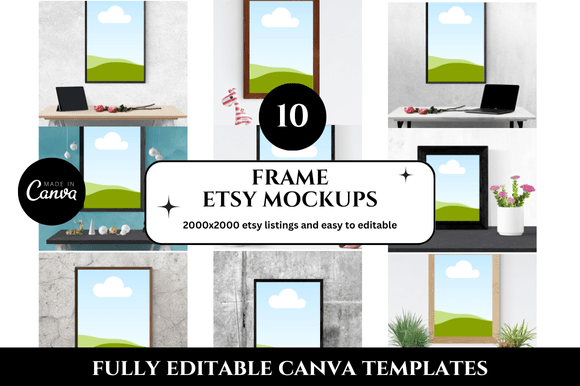
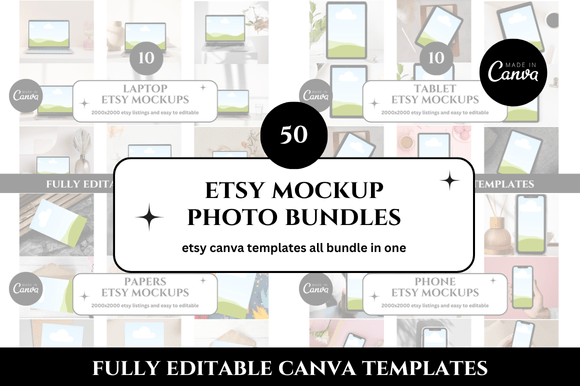
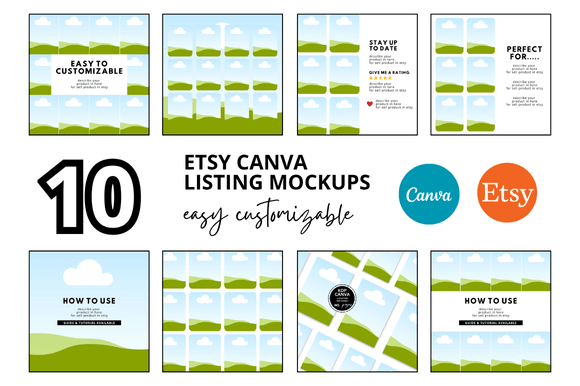
At its core, this is a collection of Canva mockups specifically crafted for Etsy sellers. You receive a link to 10 distinct, professionally designed templates sized at 2000 x 2000 pixels—the ideal square format for Etsy's listing image gallery. Each template features a different AI-generated image as a background or central element, providing a unique and eye-catching aesthetic that stands out in a crowded marketplace. The style leans towards clean and contemporary, with ample space for your own product screenshots, branding elements, and descriptive text. Think of it as a design asset that saves you hours, giving you a polished visual hierarchy for your shop’s most important real estate: the listing images.
Why the Visual Style Works for Digital Sellers
The appeal of these Etsy mockup templates lies in their balanced personality. They aren’t overly whimsical or starkly minimal; instead, they strike a professional yet approachable tone. The AI imagery provides a modern, almost editorial feel that can elevate the perceived value of your digital products. Whether you’re selling planners, printable art, social media templates, or Canva link templates, these backgrounds help frame your work in a context that feels aspirational and credible. This isn't just about decoration—it's about brand perception. A consistent, high-quality visual language across your listings builds trust and recognition, making your shop look established and serious about your craft.
Practical Applications Beyond the Etsy Banner
While the primary use is for Etsy listing images, the utility of these square listing mockups extends further. Consider using them for:
- Social Media Graphics: The 2000x2000 px size is perfect for Instagram posts and Pinterest pins. Create a cohesive look across your marketing channels by using the same templates for your product promotions.
- Digital Product Previews: If you sell bundles or large kits, use these mockups to create a compelling "unboxing" preview or a collage of included items, improving audience engagement.
- Website and Blog Content: Showcase your products on your own site with professional-looking images that match your Etsy aesthetic, reinforcing brand identity and consistency.
- Client Presentations: For freelancers and designers, these templates can serve as a base for presenting design concepts or branding packages in a polished, organized manner.
Making the Most of Your Customizable Templates
Getting started is straightforward, but a few practical tips will help you maximize the value of this Etsy digital shop bundle. First, test your font pairings carefully. The templates are designed with modern typography in mind. A clean sans serif font for headlines often pairs well with a more readable serif or script font for subheadings or accents. Ensure any text you add maintains strong readability against the AI-generated backgrounds—sometimes a subtle semi-transparent shape behind text can help.
Second, think about visual hierarchy. Your main product image should be the star. Use the mockup's composition to guide the viewer's eye. Place your key product screenshot in the most prominent area, use the template’s natural lines to frame it, and keep supporting text concise. This approach enhances professionalism and makes your listing easier to digest at a glance.
Evaluating Fit and Ensuring a Cohesive Shop
Before fully committing, evaluate if the style aligns with your niche. These templates have a versatile, slightly artistic vibe that suits many digital products, from printable mockups to digital banner templates. Look at the color palettes in the AI images—do they complement your brand colors? You can often adjust hues in Canva, but starting with a harmonious base is easier. Use all 10 templates strategically. Don’t just use one for every listing. Assign different templates to different product categories or use a sequence to create a narrative across your shop’s main image row, enhancing recognition.
Ultimately, the goal is to use these Canva templates to create a clean and professional look that lets your digital products shine. By saving time on the foundational design work of your Etsy shop covers and listings, you free up mental energy to focus on creating more products and serving your customers. It’s a practical investment in your shop’s most critical visual asset: the first impression.